Send a Document Using a Template
Log in to DocuSign using 1Password
Click the Templates tab at the top

Find the template for the document you want to send and click the blue USE button

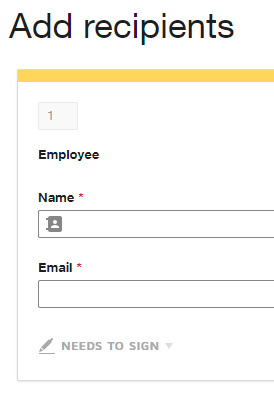
Add the Name and Email of the signer (make sure to leave the other recipients contact info)
Do Not Remove the Document Name! You can add anything you want, but the name of the template needs to stay in the Document Name in order for the automation to file the signed document correctly.
Click Send