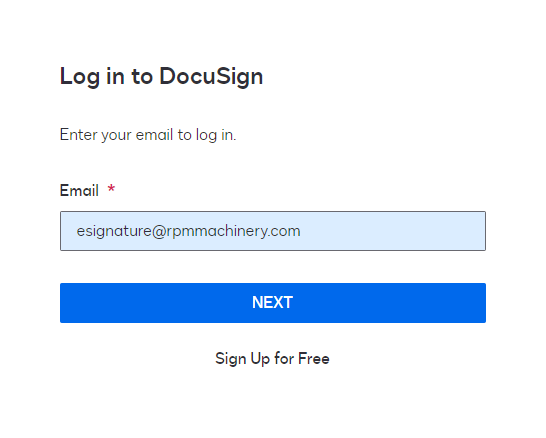
Log in with 1Password
Make sure you are using Google Chrome and have the 1Password chrome extension installed.
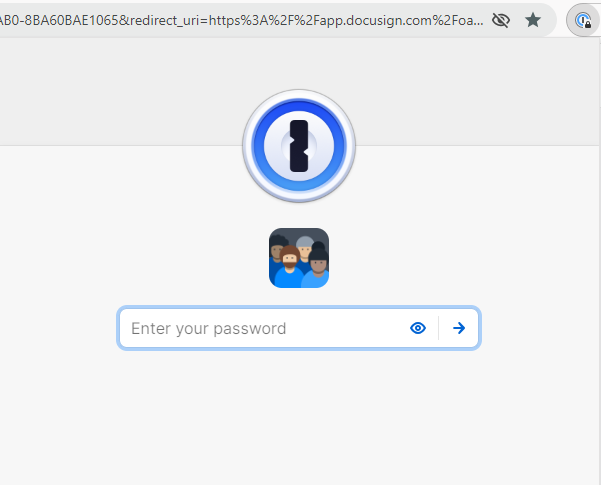
Click on the extension (looks like a keyhole) and enter your password to "unlock" the extension
Search for the application (in this example, DocuSign)
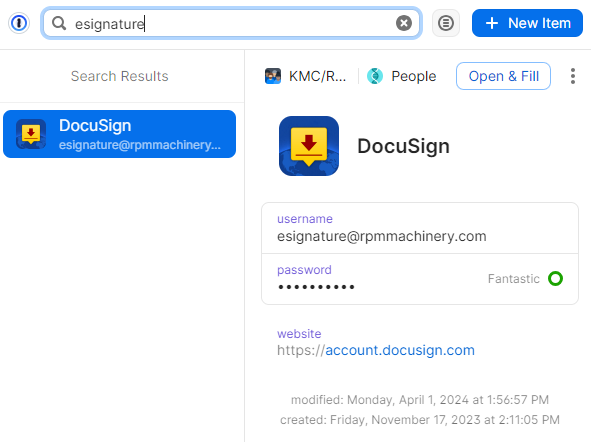
Click Open & Fill in the top right corner
This will take you to the login page and auto-populate your login credentials