Reassign a Contact
Here are two easy ways to reassign a contact.
1) From the Contact
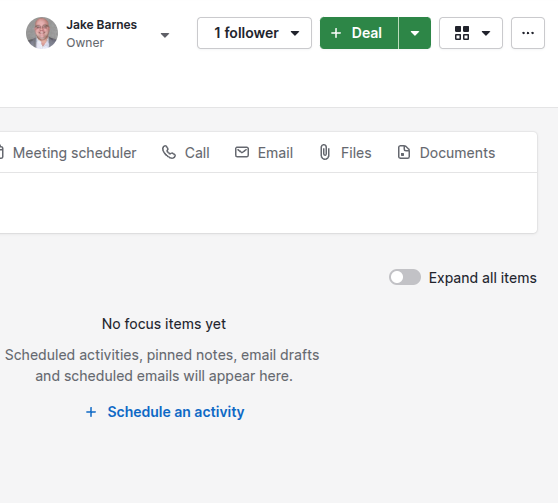
- Click the arrow next to your name at the top of the page
- Click the drop down arrow to see the list of users
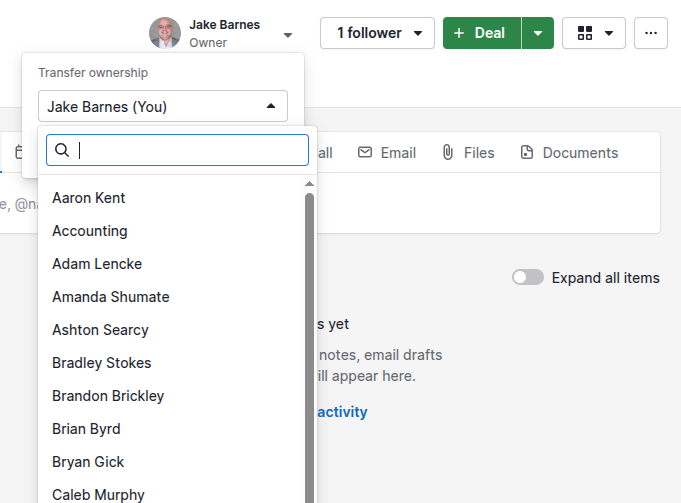
- Choose the user who should own the contact
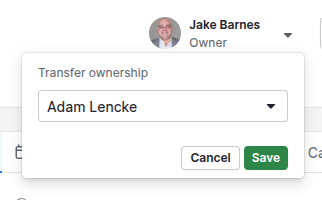
- Click Save
2) From List View
- Hover over the owner column to see the drop down menu
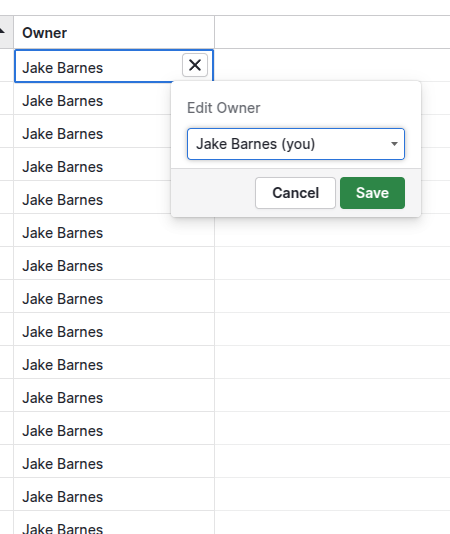
- Click the drop down arrow to see the list of users
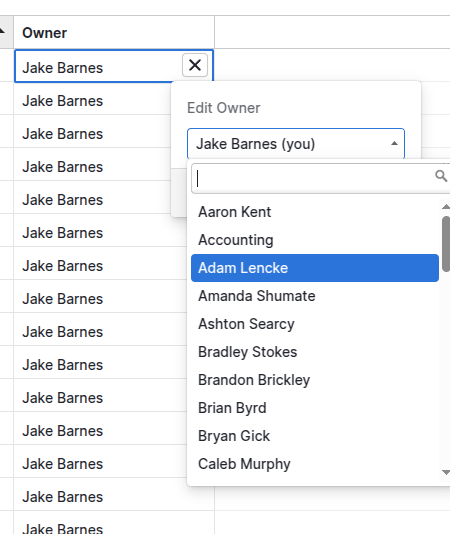
- Choose the user who should own the contact
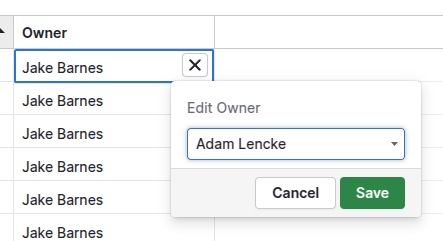
- Click Save