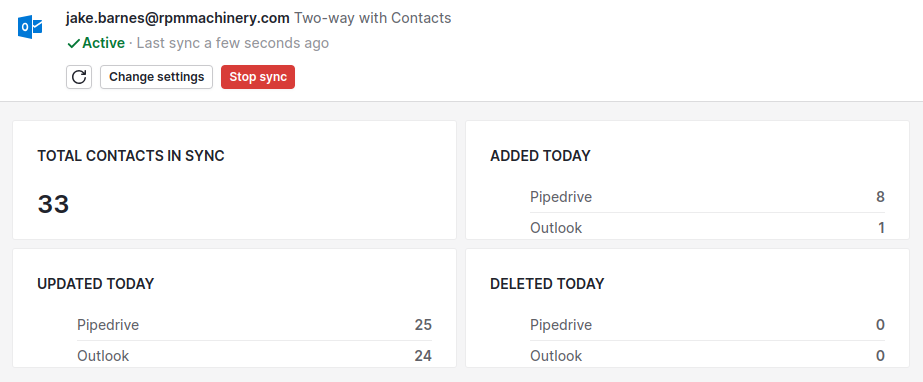
Contact Sync
Overview
Syncing contacts makes it easier to use Outlook and Pipedrive.
The Two-way sync will make sure any Person in Pipedrive syncs to Outlook, and any Contact in Outlook syncs to Pipedrive.
Instructions
Log in to Pipedrive
Click on your picture/initials at the top right > select Personal Preferences

Click on the Contact sync tab on the left

Click the Add New Account button
Type in your work email then click Continue
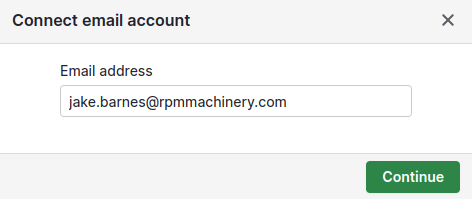
Click on your Microsoft account

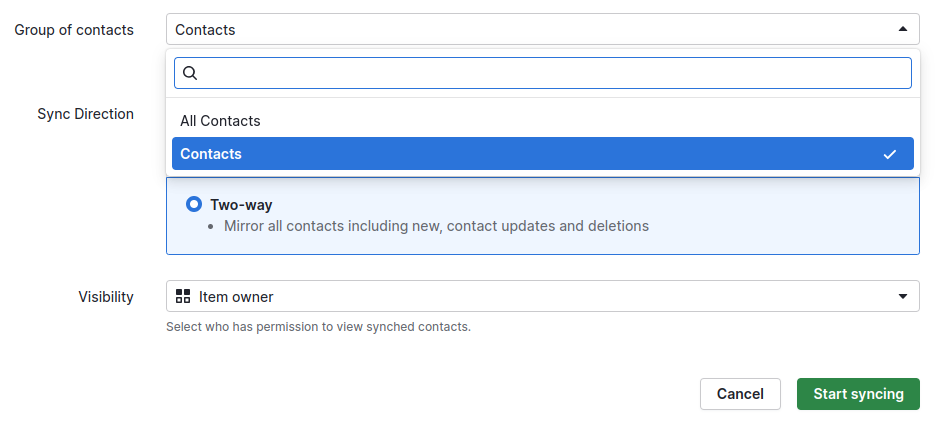
From the Group of contacts drop down select Contacts
Do not select All Contacts. The naming is stupid, and it can't be changed.
For the Sync Direction select Two-way (this should be the default)
For Visibility select Item owner
This will ensure you can see your contacts but they are not shared with everyone. It helps keep everyone's view cleaner.
Click Start syncing
Click Enable contact sync
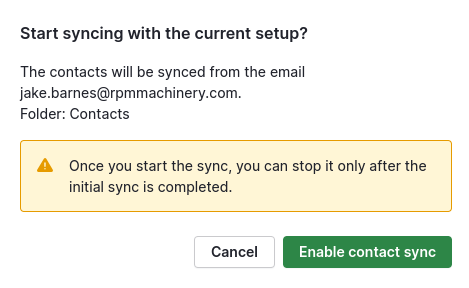
Leave the window open until the sync is complete.